Page 2 of 4
Add New Category
From Components -> Banners -> Categories you click on New button to open the create category form view.
Following the same view pattern as normal article categories, you must type the category title and if you wish you may type a category description and in general every other information you want. When you finish, you will save and exit and you will repeat the process as many times you want until you have all your necessary categories.
How you will organize your categories system it's really up to you. As an advice, we suggest you make categories of sizes. Square Ads, Wide Banner Ads etc. Or you could make categories for pages such as Front Page Ads, Footer Ads.
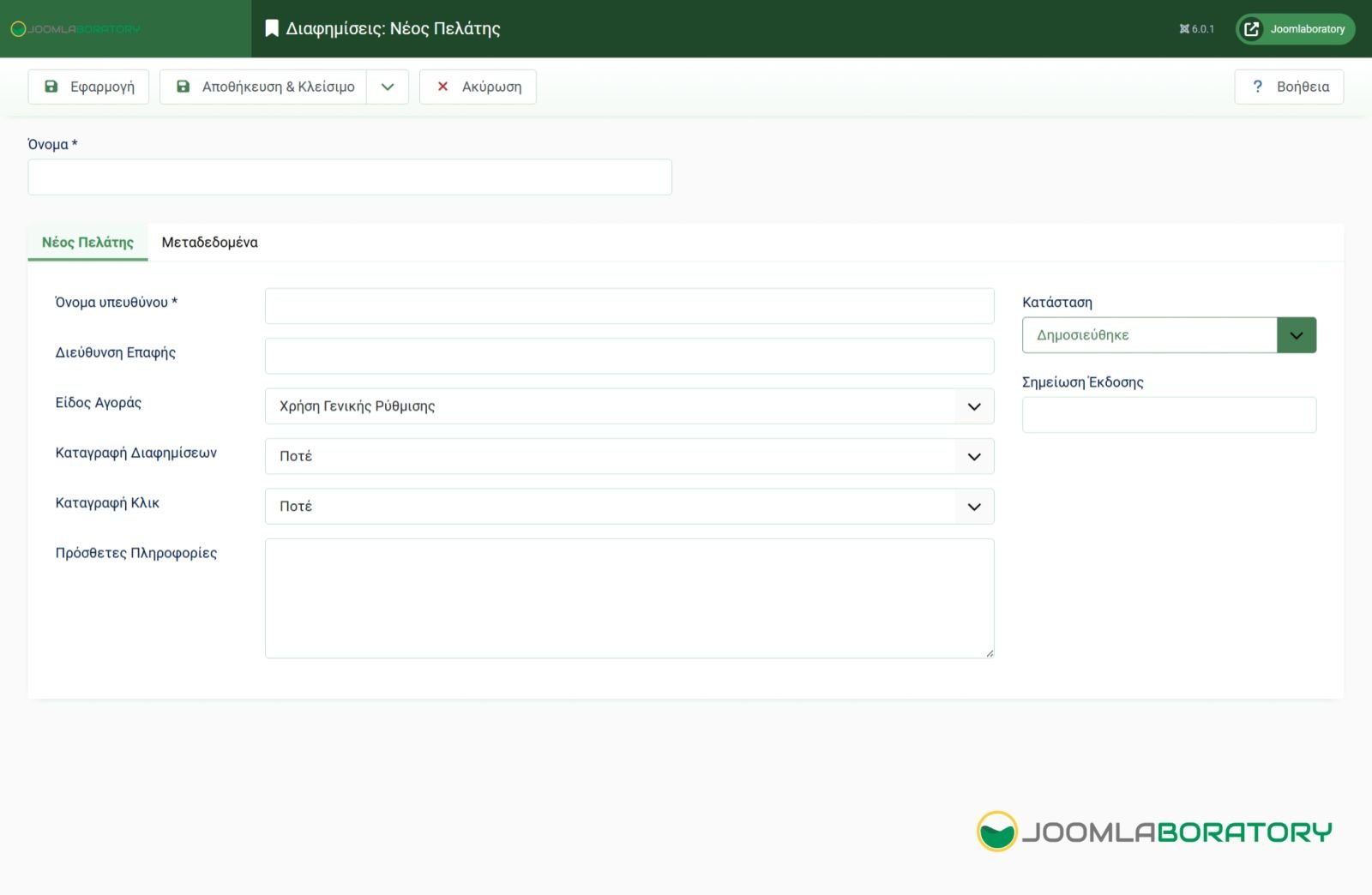
Add New Client
Page
Photo Gallery