Page 3 of 4
Add New Client
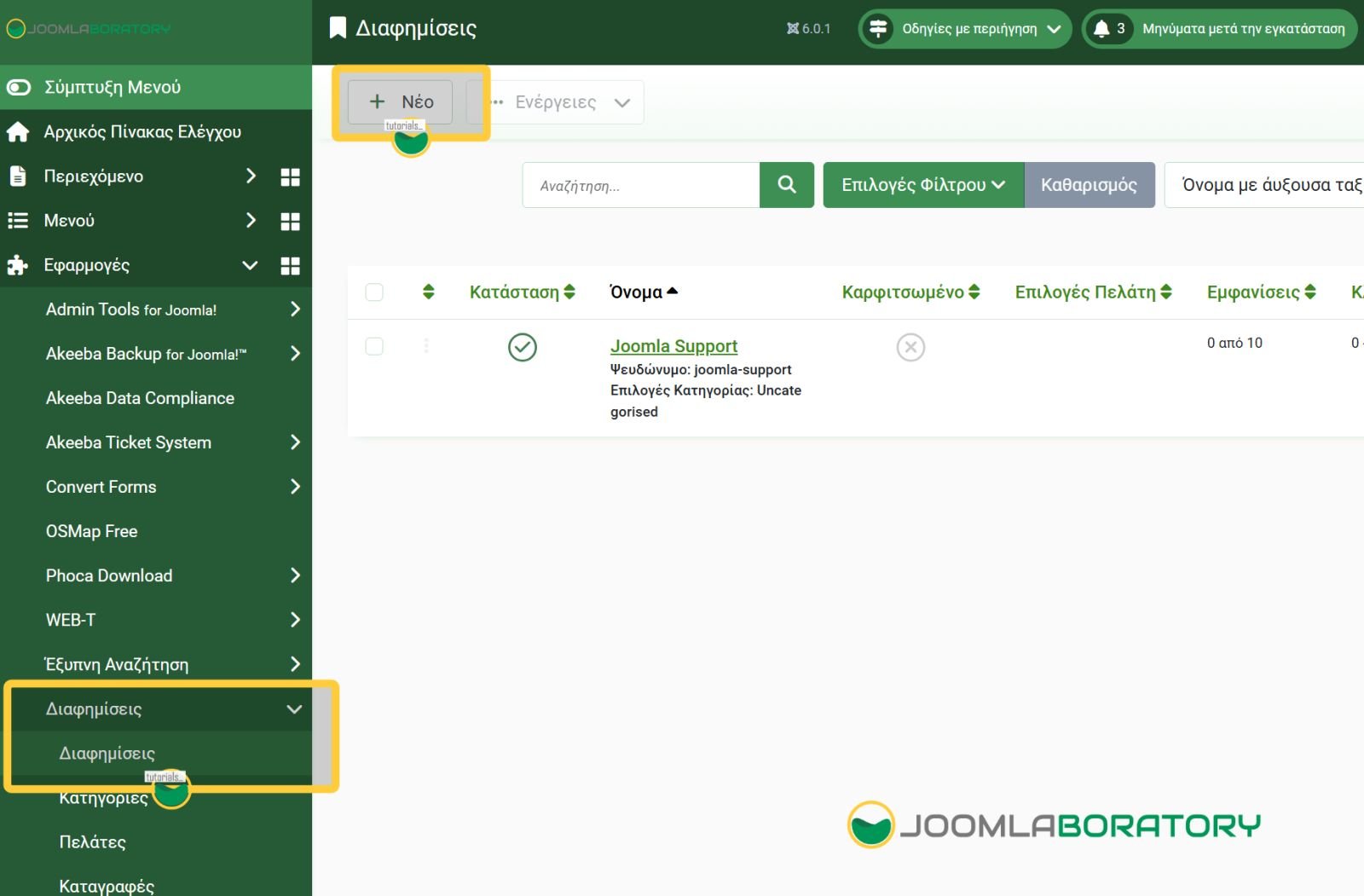
From Components - Banners - Clients you click on New button to open the create client form view.
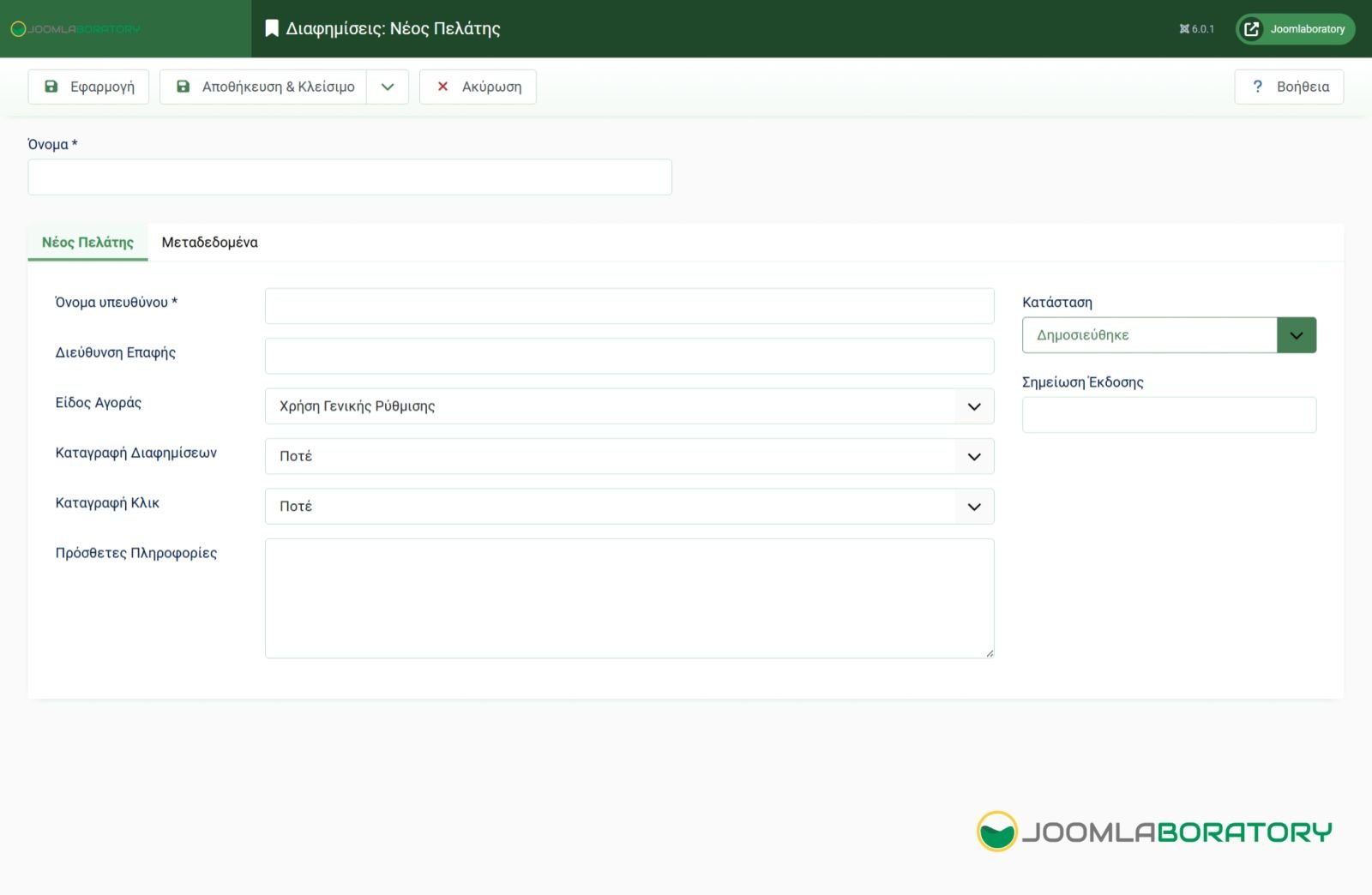
In this form you will enter the name of the customer (you usually specify the company name), the name of the person you have as a contact, as well as their email. If you would like to see the traffic of banners that belong to a specific customer you can choose which tracking modes you will enable (Views Capture, Click Capture). Views Capture, tracks how many times the specific banner shows on screen view. Click capture tracks how many time a banner gets clicked.
When you are ready you can save and close the page and repeat the process so you get all your clients filed on Jooma.
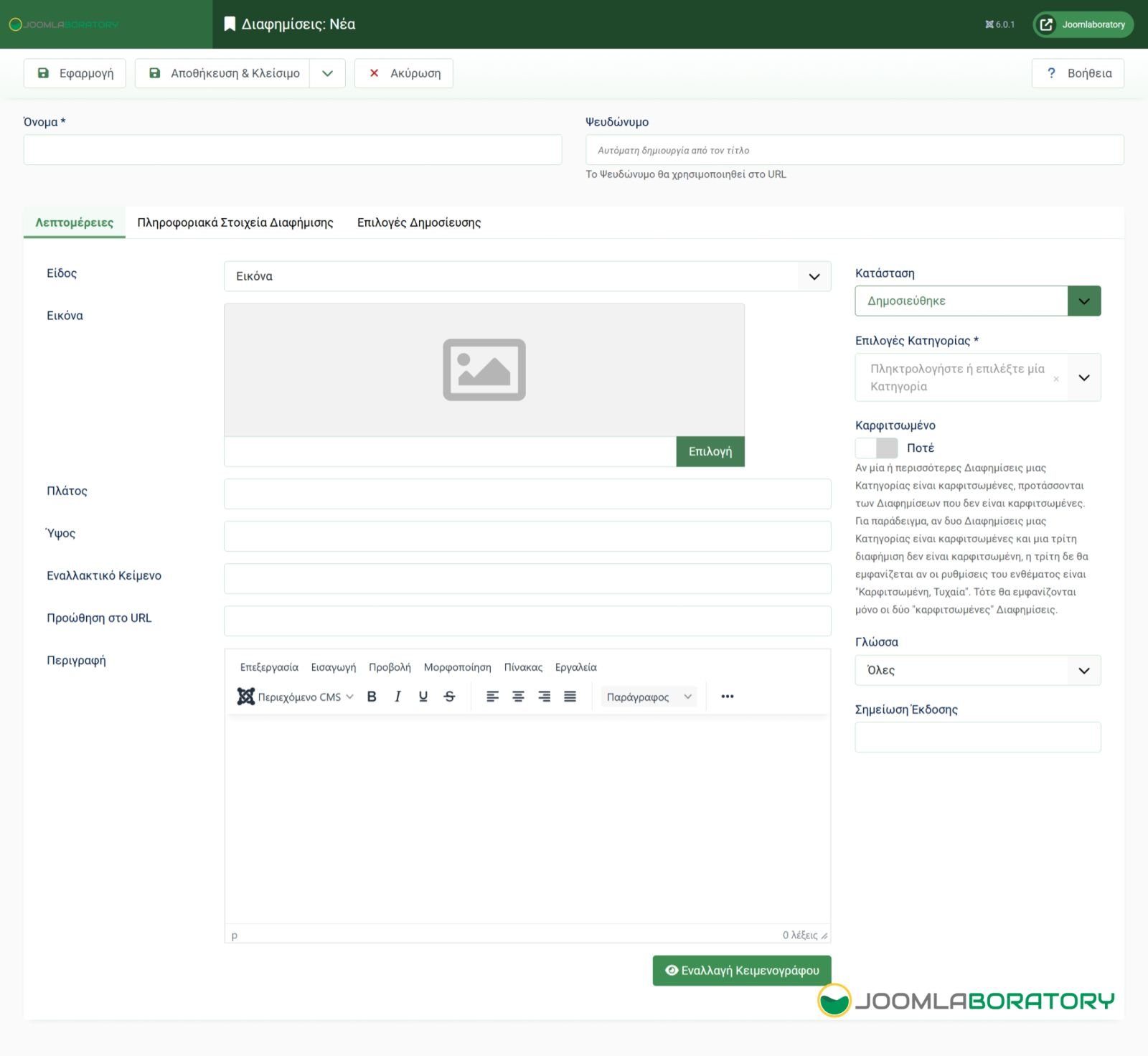
Add New Banner
Page
Photo Gallery